Family guide: Subscribing to the newsletter, and unsubscribing
Seattle Little Rangers · October 2026
Download as PDF (0.1 MB)Subscribe to the newsletter to get SLR's event news, write-ups and photos by email. There aren't many emails, and we never give your address to anyone.
Subscribing
-
Press the green Subscribe button at the top right of the website (on a phone, open the menu at the top right first).
-
Enter your name (optional) and your email address, and press Subscribe.
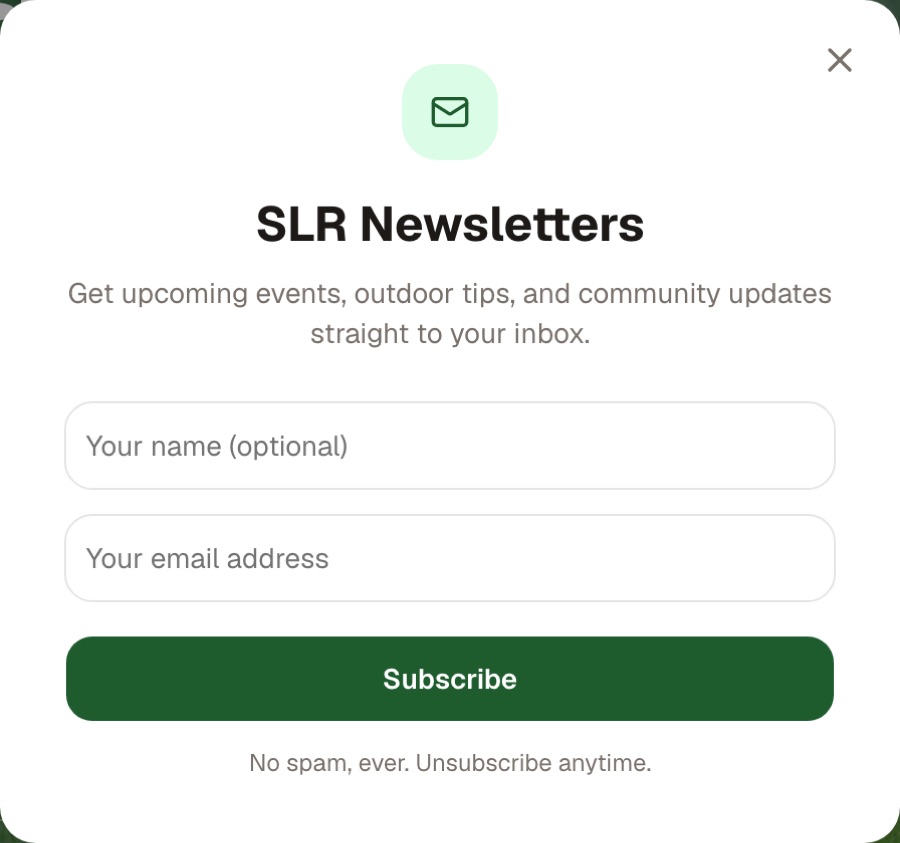
The subscribe window -
When you see You're subscribed!, it is done.
An address that is already subscribed gets the message "This email is already subscribed!", and there is nothing more to do.
Not getting the emails?
- Look in your spam or "Promotions" folder. Mark the email as "not spam" and later ones will reach your inbox.
- The sender is noreply@seattlelittlerangers.org. If you reply to a newsletter, your reply goes to SeattleLittleRangers@gmail.com, where we read it.
Unsubscribing
Every newsletter has an Unsubscribe link at the very bottom. Press it once and you are unsubscribed; the page says "You've been unsubscribed". The "Unsubscribe" button that Gmail and other mail apps show beside the sender works too.
After that, no more newsletters arrive. Emails that are about you alone, such as a member's welcome email or renewal reminder, aren't affected.
Subscribing again
If you unsubscribed and would like the newsletter back, subscribe again the same way as above.